Modding (Konami)
Synopsis
This guide will cover how to mod your KONAMI game's data folder in a non-destructive way.
No files will be removed or overwritten.
Pre-requisites
- A fully working and unmodified game
- The data to mod your game with
ATTENTION
- Please make sure the mod you're installing is compatible with YOUR specific game and game version
- If connecting to an online network, make sure they explicitly allow the mod you're about to install
Installing mod files
- Create a
data_modsfolder next to the others in your game files if it doesn't exist
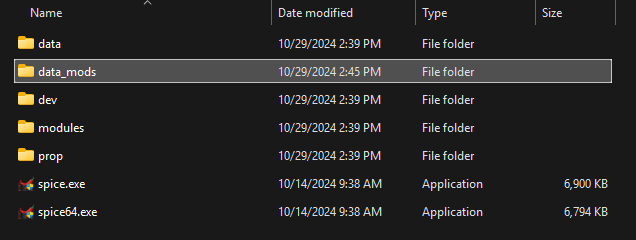
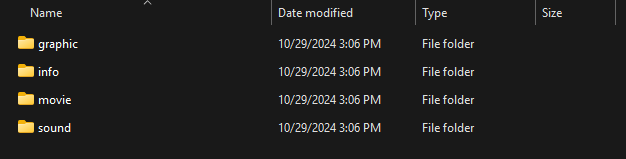
- Place your mod files inside data_mods in a way that respects the following structure
data_mods/mod_folder/<data folders/<data_files>
You can think of the mod folder coming to overwrite your game's data folder at runtime.
If you're confused, the following may help you understand what we mean.
Example: Omnimix for beatmania IIDX 31 EPOLIS
Directory: contents/data_mods/

Directory: contents/data_mods/omnimix_31
Loading mods data files (ifs_layeredfs)
Overwriting game files with mods is heavily discouraged, as there is no clean way of undoing that. This is where ifs_layeredfs comes in, to load modded data files without permanently modifying your game data.
- Download the most recent release of ifs_layeredfs
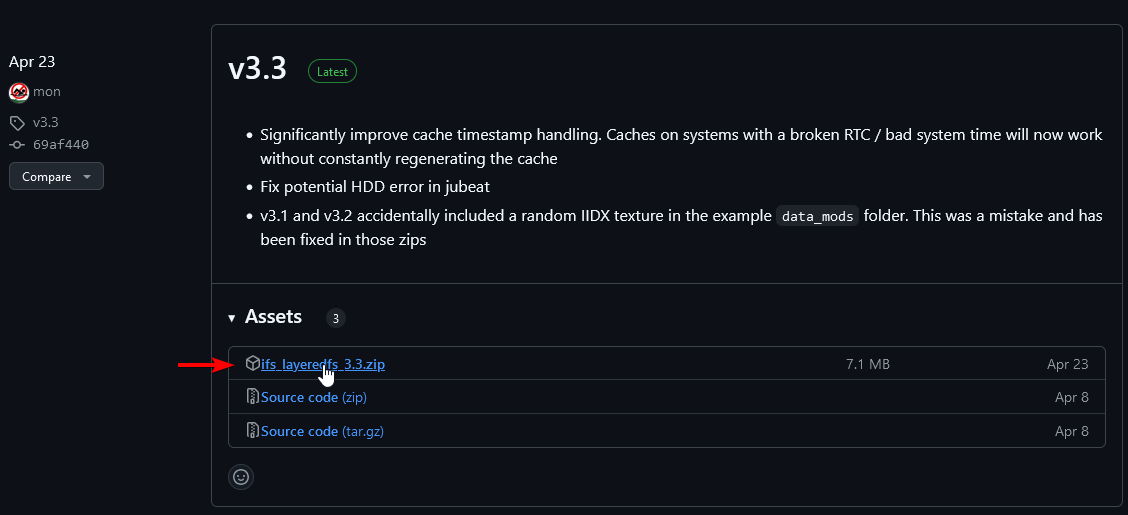
- Open the archive

- Your game is 32bit (spice.exe to launch): go in the
32bitfolder - Your game is 64bit (spice64.exe to launch): go in the
64bitfolder

- Copy the
ifs_hook.dllfile to your game'smodulesfolder
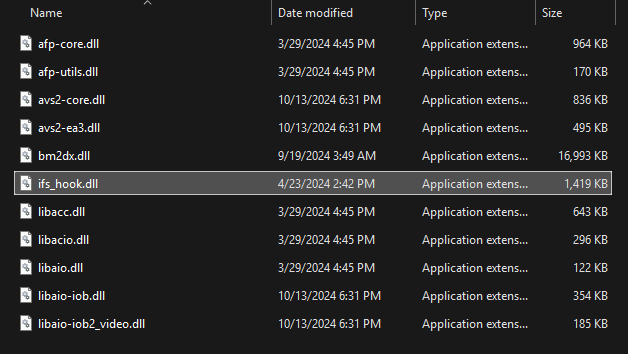
Follow the Injecting DLL Hooks section to load this DLL.
Installing Omnifix (for IIDX Omnimix only)
Compatibility
Supported game versions
For unsupported game versions, you'll have to patch Omnimix with spice2x or web patching.
Omnimix files require modification of your game DLL which can't be handled by ifs_layeredfs.
This is where Omnifix comes in, as a commonly agreed upon way of loading Omnimix for beatmania IIDX.
- Download the latest release archive for omnifix much like you did with ifs_layeredfs
- Extract the
omnifix.dllfile contained in the archive to your game'smodulesfolder
Follow the Injecting DLL Hooks section to load this DLL.
Note that Omnifix also offers optional launch parameters you may want to consider.
Injecting DLL Hooks
Adding DLL files to your modules folder won't necessarily make them load automatically.
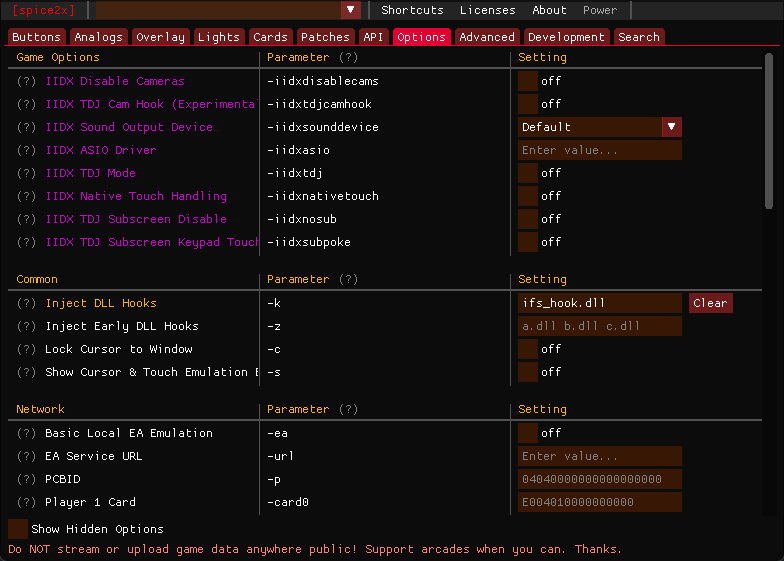
You sometimes need to tell spice2x to load each file individually, like with the DLLs mentioned in this guide.
- Open your game's
spicecfg.exe - Head to the
optionstab - Find the
Inject DLL Hooksoption underCommon - Add the name of the DLL file(s) you want to load inside the text box
Example: ifs_hook.dll omnifix.dll
You may list one or multiple DLL files separated by a space.
The order does matter, as it dictates in which order the DLL files are loaded.
We recommend loading ifs_hook.dll before all else.